
Hundreds of Barcodes, One Click.
Paste a SKU list or drop in a CSV file and get a full printable label sheet in seconds — dozens or hundreds of barcodes at once, formatted for warehouse racks, cartons, and retail tagging. No limits, no gated tiers.
Print entire batch formatted into high-density adhesive label grids or save as a single multi-page PDF.
Batch Output Preview
6 Generated
From CSV to a thousand labels in minutes.
Paste a SKU list — one value per line — or upload a CSV straight from your WMS, and every row renders as a compliant barcode in seconds: Code 128, EAN-13, UPC-A, QR Code, Data Matrix, Code 39 or ITF-14. Live line-count detection, per-card copy buttons, and invalid rows flagged inline — no more guessing why a batch failed at the printer.
The built-in print button renders a dense 3-column A4 grid with dashed cut guides — straight onto Avery-style adhesive stock or plain paper for laser proofing. FBA re-labeling, 3PL onboarding, warehouse retags, DC inbound ASN — all from the same browser tab.
Your SKU list never leaves your device — the whole pipeline runs 100% locally. No account, no per-label charge, no watermark, no file uploads to a server. Free for retail, logistics and manufacturing, forever — commercial use included.

Valid input in. Verified labels out.
Every row renders through the bwip-js engine — the same renderer behind commercial label systems — with live line-count detection and per-row error flagging. Invalid characters for the chosen symbology are caught inline before a single barcode prints, not discovered at the packing bench.
The output is a dense 3-column A4 grid with dashed cut guides — ready for adhesive label stock or plain paper proofing. Every card carries a copy button, so the exact value is one click from your clipboard into a spreadsheet or WMS entry.
Amazon FBA re-labeling, 3PL client pilots, warehouse retags, DC inbound ASN batches, WIP manufacturing tags — one CSV drives every one of them, with zero subscription and zero per-label fees.
The free bulk barcode generator — CSV in, thousands of labels out
A single label at a time is fine until it isn't. This free bulk barcode generator turns a CSV file or a pasted SKU list into a complete grid of print-ready barcodes in seconds — Code 128, EAN-13, UPC-A, QR Code, Data Matrix, Code 39 or ITF-14. Paste one value per line (or upload your .csv export straight from your WMS, ERP or spreadsheet), pick a symbology, set the bar height and label text, and hit Generate All. Every barcode renders client-side in your browser, which means even a 500-item SKU migration never leaves your laptop — no upload, no queue, no per-label fee.
Whether you are re-labeling an Amazon FBA shipment, retagging a warehouse after an acquisition, printing carton labels for a seasonal launch, or creating bin and shelf tags for a new store, the batch barcode generator handles it from the same CSV. The output is a dense three-column label grid designed for A4 adhesive sheets — dashed cut guides included — ready for Avery-style stock, a laser printer on plain paper for proofing, or a direct print to your warehouse ring printer. No subscriptions, no watermarks, no account, and genuinely free for commercial use at any volume — and because the whole pipeline runs in your browser, nothing you type, paste or upload ever reaches a server.
How to batch-generate barcodes in 3 steps
- 1Paste your SKU or serial list (one per line), or upload a CSV — the first column is used automatically, quoted fields included.
- 2Pick a symbology (Code 128 for mixed alphanumeric SKUs, EAN-13/UPC-A for GTIN assignments), a bar height and whether human-readable text prints under each code.
- 3Click Generate All, inspect the grid, then print the 3-column A4 sheet — or copy individual code values as you go. Verify a sample with the free online barcode scanner before the full run.
Which symbology should you pick for bulk printing?
Choose Code 128 for general alphanumeric SKUs and serials — it packs the most data per inch and tolerates internal warehouse data formats without GS1 licensing. Choose EAN-13 or UPC-A when the codes are trading items sold at retail with a GTIN prefix; those require real GS1-licensed numbers, so generate them only for labels you own or reprint. Choose ITF-14 for master cartons and corrugated cases (it survives direct inkjet on rough cardboard with proper bearer bars). Choose Data Matrix when labels are physically tiny — pharma serialization or component tags — and QR Code when a phone needs to read the code at point of sale or in the field. When in doubt, Code 128 is the safe default for internal operations.
Real-world workflows this bulk barcode generator supports
- Amazon FBA prep — re-label multi-unit listings with FNSKU barcodes before check-in, by the hundred, no seller-account required.
- 3PL client onboarding — generate full SKU label sets for a new fulfillment client in one sitting and hand over the CSV.
- Warehouse retags — re-code pallets, bins and aisle locations after a system migration or acquisition.
- Retail DC inbound — case labels for ASN-compliant shipments entering cross-dock operations.
- Events & kitting — serialized asset tags, kit manifests and equipment check-out labels.
- Manufacturing WIP — work-in-process tags printed per order for floor tracking.
Printing tips for adhesive label sheets
The grid prints with dashed cut guides on plain A4 for proofing, then scales directly onto adhesive label stock — just match your printer's media settings and disable "fit to page". Keep bar height at 15 mm or above for reliable laser-scanner reads at speed; 25 mm for conveyor belts. For photo or inkjet proofs, a quick pass through the free barcode scanner tells you whether the ink hit contrast and edge sharpness targets before you run the final stock. If a sample fails, switch to Code 128 (more forgiving) or increase X-dimension (bar width) before assuming the numbers are wrong.
CSV hygiene that saves you a failed print run
One value per line, no header row — columns past the first are ignored. Strip stray quotation marks and leading spaces (we trim surrounding quotes automatically), avoid non-ASCII characters in 1D codes, and keep SKUs inside the symbology's valid alphabet. Before committing to a full print run, render the batch, then scan three to five samples with the scanner page: if Code 128 reads clean but EAN-13 reports a checksum mismatch, your source numbers are wrong — not the tool. That two-minute audit is cheaper than one client chargeback or one rejected FBA shipment.
No signup, no watermark, no per-label charge — bring your CSV, leave with a full sheet of compliant labels, ready for retail, FBA or your own warehouse floor. And if a print vendor asks which tool produced the sheet, the answer is short: webbarcodegenerator.com.
Where teams print at batch scale
From FBA re-labeling to DC inbound cartons, one CSV drives the whole run.
 FBA FNSKU
Amazon FBA Re-labeling
Re-print FNSKU barcodes for multi-unit listings by the hundred before check-in — no seller account needed.
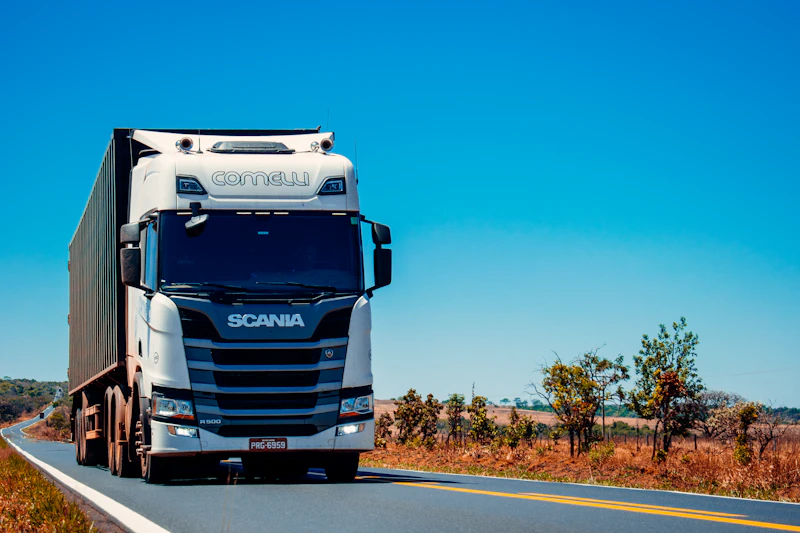 GS1-128 • ITF-14
3PL & Inbound ASN
Carton-level ASN labels for inbound DCs — GS1-128 with AIs or plain Code 128 for cross-dock scans.
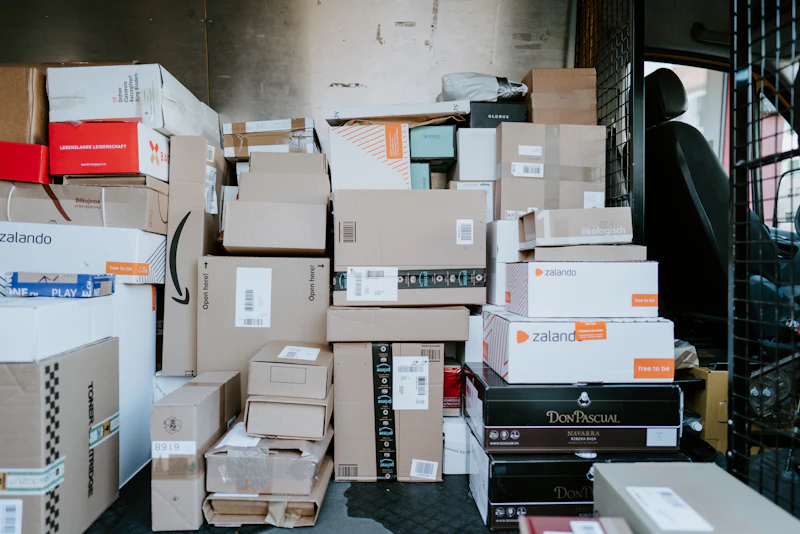 CODE 128 • CODE 39
Warehouse Retag
Re-code pallets, bins and aisles after a WMS migration. Paste the mapping CSV and reprint everything.