
Professional QR Code Studio
Design custom, branded QR codes for URLs, Wi-Fi networks, vCards, emails, and payments. High-capacity 2D matrix, custom colors and logos, vector SVG & 300+ DPI PNG — rendered instantly in your browser with zero tracking.

The free QR Code Studio for print, web and packaging.
Build static, permanent QR codes for URLs, Wi-Fi network credentials, vCards, emails, phone numbers, SMS and payment prompts — pick your content type, type your data, and the Studio renders instantly with brand-matched colors and an optional logo. Everything runs 100% in your browser, so credentials and contact details never leave your device.
Branded codes embed your logo at the center with Level H error correction (~30% recovery), so prints scan reliably on any camera phone — from table tents and packaging to conference badges and shopfront decals. No watermark, no tracking pixel, no expiry — ever.
Export uncompressed vector SVG for prepress pipelines that scale losslessly to any size, or a 600 DPI PNG for office prints, proofs and menus. Both exports are free — no “pro” tier gating either output, no signup required, free for commercial use.
One code. Every surface.
Tabletop menus, guest Wi-Fi stands, conference badges, packaging panels, payment prompts, pitch-deck links — one static QR per use case. Encode the destination once; every phone in the room reads it forever, offline, on any device.
Restaurants put them on every table for digital menus; offices use them for Wi-Fi onboarding so guests never read out passwords; events print them on lanyards for session materials and check-in; marketers link print ads and posters straight to landing pages; logistics teams connect codes to tracking pages.
Need scans counted? Point the code at a redirect URL you control with UTM parameters — you own the analytics, forever, with no subscription in between. Or keep it pure static: print once, use forever, free for commercial use.
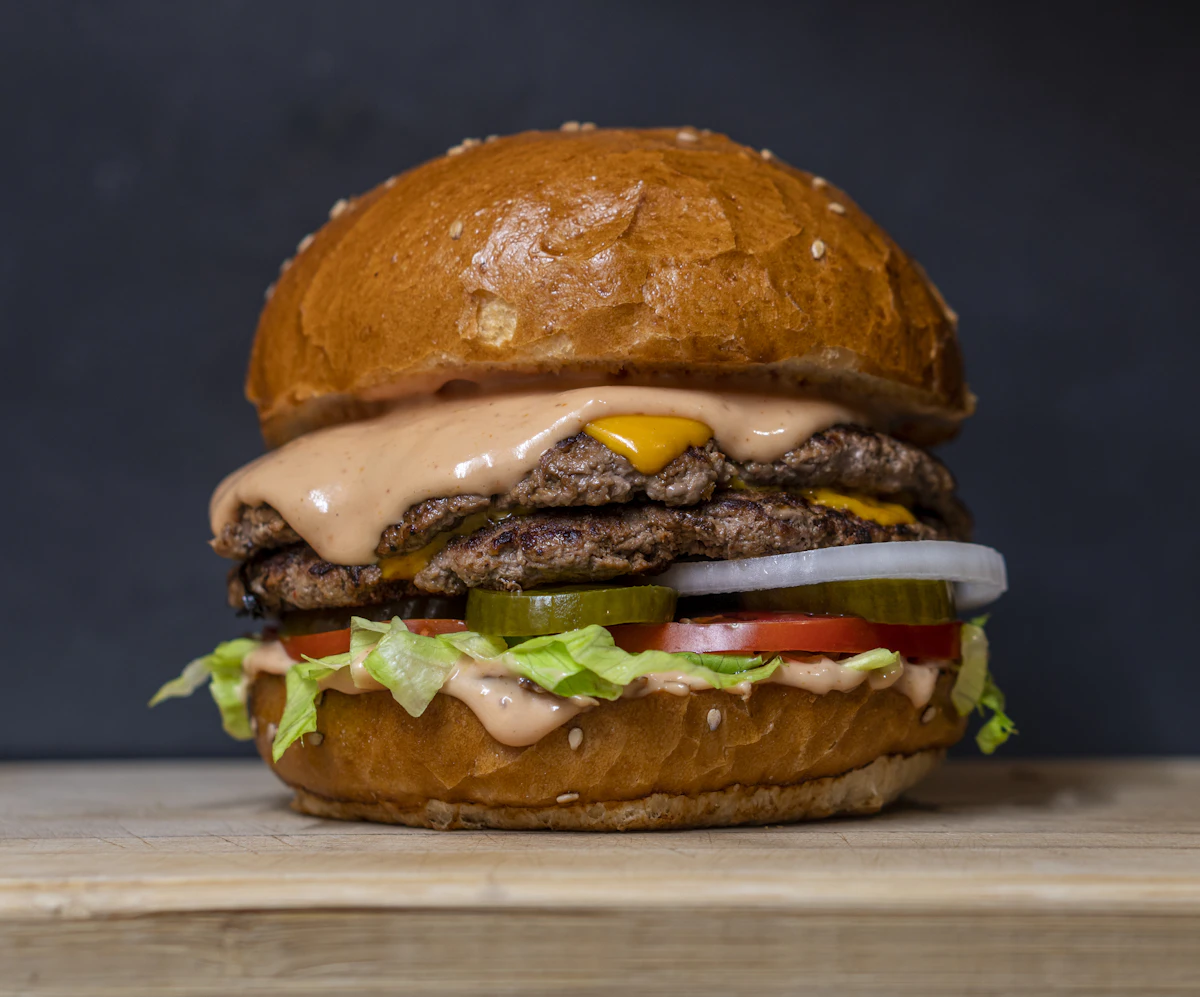
The free online QR code generator for print, web and packaging
This is the online QR code generator to bookmark — a free QR code generator with no signup, no watermark and no scan limits. Build static QR codes for URLs, Wi-Fi network credentials, vCards, contact details, plain text, phone numbers, SMS and payment prompts. Every code is generated locally in your browser with hardware-accelerated graphics, so your Wi-Fi password, customer list or campaign link is never transmitted to a server or logged anywhere. Bookmark it, and the next time a table tent, conference badge or packaging proof needs a code that scans on the first try, you are thirty seconds away from a print-ready asset.
Customize foreground and background colors to match your brand, and embed your logo at the center with high error correction (Level H, which allows roughly 30% of the code to be damaged or covered and still decode). Then export uncompressed vector SVG for packaging and print-shop artwork that stays razor sharp at any size, or a crisp 600 DPI PNG for menus, table tents, brochures, invoices and signage. If you work in print, SVG is your friend — send it straight to your designer or RIP without ever rasterizing.
Every QR type you can generate here — free
A free QR code generator is only useful if it encodes what you actually need. This qr code generator online handles plain URLs (https and mailto), plain text, Wi-Fi credentials with SSID, password and encryption type, vCard contacts with name, phone, email and company, direct phone numbers, pre-filled SMS messages and payment prompts. Each payload renders instantly as you type, with live size and module count so you know exactly how dense the symbol will print. Because everything is static — the destination is burned directly into the image — your codes never expire, never route through a third-party redirect, and never break when some subscription lapses or a service shuts down.
How to generate a QR code in 3 steps
- 1Enter your data — paste a URL, type Wi-Fi credentials, or drop in a vCard — and watch the code render in the studio above.
- 2Pick foreground and background colors, choose size and error correction, and optionally embed your logo in the center.
- 3Download SVG or PNG, print or publish — then verify once with the free online barcode scanner before the full run.
Print guidelines that make QR codes scan the first time
Most "broken" QR codes are actually layout problems, not encoding problems. Print no smaller than 20 × 20 mm with a quiet zone of at least 4 modules on all sides; keep strong dark-on-light contrast (dark modules on white or pale backgrounds, never inverted); respect the minimum module size for your print process; and use 300 DPI or higher with crisp edges. If the code sits on a curved surface — a bottle, a wrapper, a tin — test it at the actual radius. For outdoor signage, size the code relative to viewing distance: roughly 1 cm of code height per meter of distance is a safe rule of thumb. And always do a real-device sanity check on a variety of phones before you commit to 10,000 cartons.
Who uses this qr code generator online?
Restaurants and cafés put tabletop QR stands on every table for digital menus and ordering. Offices and co-working spaces use guest Wi-Fi codes so visitors connect without ever reading out a password. Retail brands add shelf-edge and packaging codes for promotions, loyalty programs and origin tracking. Event organizers print them on badges for session materials, check-in and feedback forms. Marketers drop them into print ads and posters that track to landing pages. Logistics teams link codes to tracking pages, and museums and galleries connect exhibits to audio guides. In every case, a free QR code generator with reliable, static output is all that is required — no platform fee, no per-scan charges, no reprint cycle when a campaign changes.
Static vs dynamic QR codes — the honest tradeoff
Dynamic QR services reroute your scan through their redirect layer, which enables scan analytics and destination editing — but also means your code stops working when you stop paying or when the service folds. Static codes created here encode the destination directly, so they work forever, offline, on any device, with zero recurring cost. If you need analytics, put a redirect you control behind a static code and keep full ownership of the traffic. For 99% of menus, Wi-Fi cards, packaging and print collateral, static is the right tool — permanent, private and free. Nearly every failed QR deployment we see started with a dynamic redirect nobody renewed.
No account, no expiry, no subscription, and free for commercial use — every code created here is yours to print, package and publish anywhere in the world.
Modern Touchless QR Experiences
Designed to look beautiful in both print and digital touchpoints.
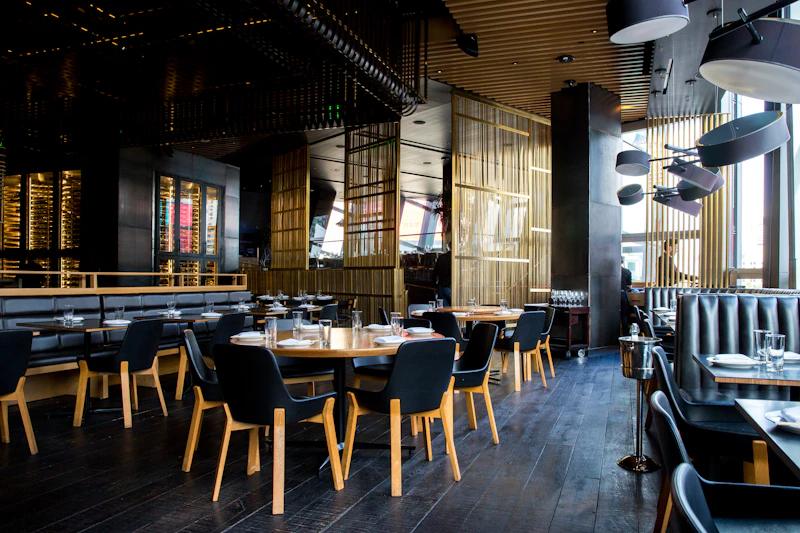
Hospitality & Digital Menus
Touchless tabletop QR stands that let patrons view menus, order, and pay instantly without downloading an app.

Office & Cafe Wi-Fi Onboarding
Pre-configure SSID and WPA credentials so guests and employees connect with a single tap of their camera.
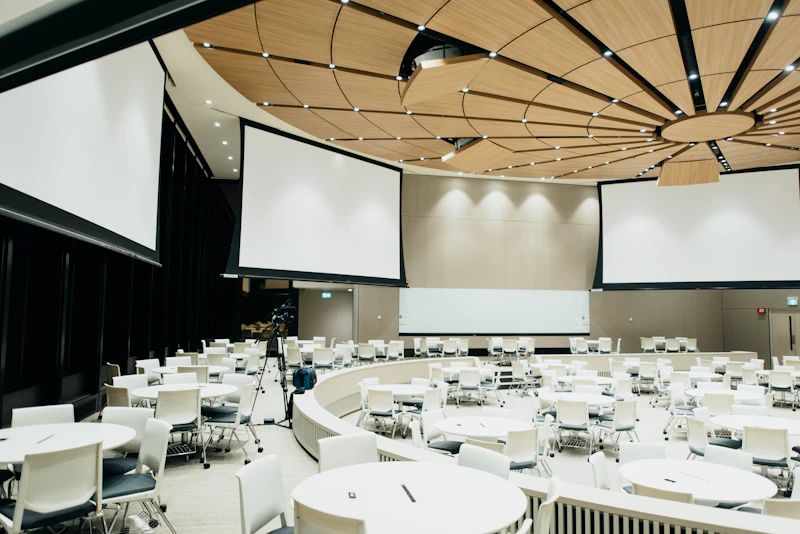
Networking & vCard Badges
Embed full contact details, phone, and company portfolio directly into paper business cards and event lanyards.